| app | ||
| bootstrap | ||
| config | ||
| database | ||
| img | ||
| public | ||
| resources | ||
| routes | ||
| tests | ||
| .env.example | ||
| .gitattributes | ||
| .gitignore | ||
| artisan | ||
| composer.json | ||
| package.json | ||
| phpunit.xml | ||
| readme.md | ||
| server.php | ||
| webpack.mix.js | ||

f-admin基础权限后台
❤️ 本项目 GitHub / Gitee(码云),目前已在公司产品应用,运行在数个客户服务器内。
f-admin基础权限后台是一套基于Laravel框架开发的系统,不需要开发者重复不必要的工作,就可以实现后台功能的快速开发,其主要特点包括:
- 集成 Composer,安装使用方便。
- 用户管理可以配置自己的权限。
- 角色管理可以配置用户及权限。
- 权限控制可以精确到某一个请求的控制。
- 菜单可以设置自己的图标,可以控制哪些角色可以看到。
- 日志查看搜索。
- 严格的前端后端输入验证。
- pc端和手机端都能适配。
- 其它优化,持续进行中 ......
f-admin的运行环境要求PHP5.4以上;laravel框架要求为5.4。
线上DEMO f-admin
导航
效果预览(pc/mobile)
首页

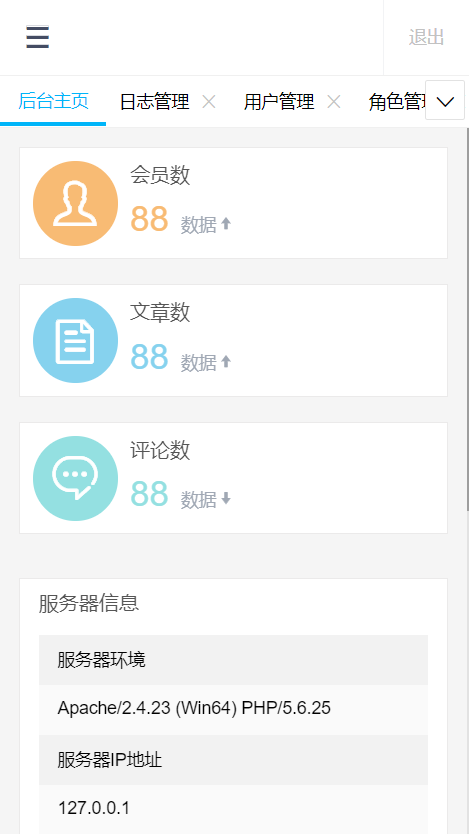
用户管理
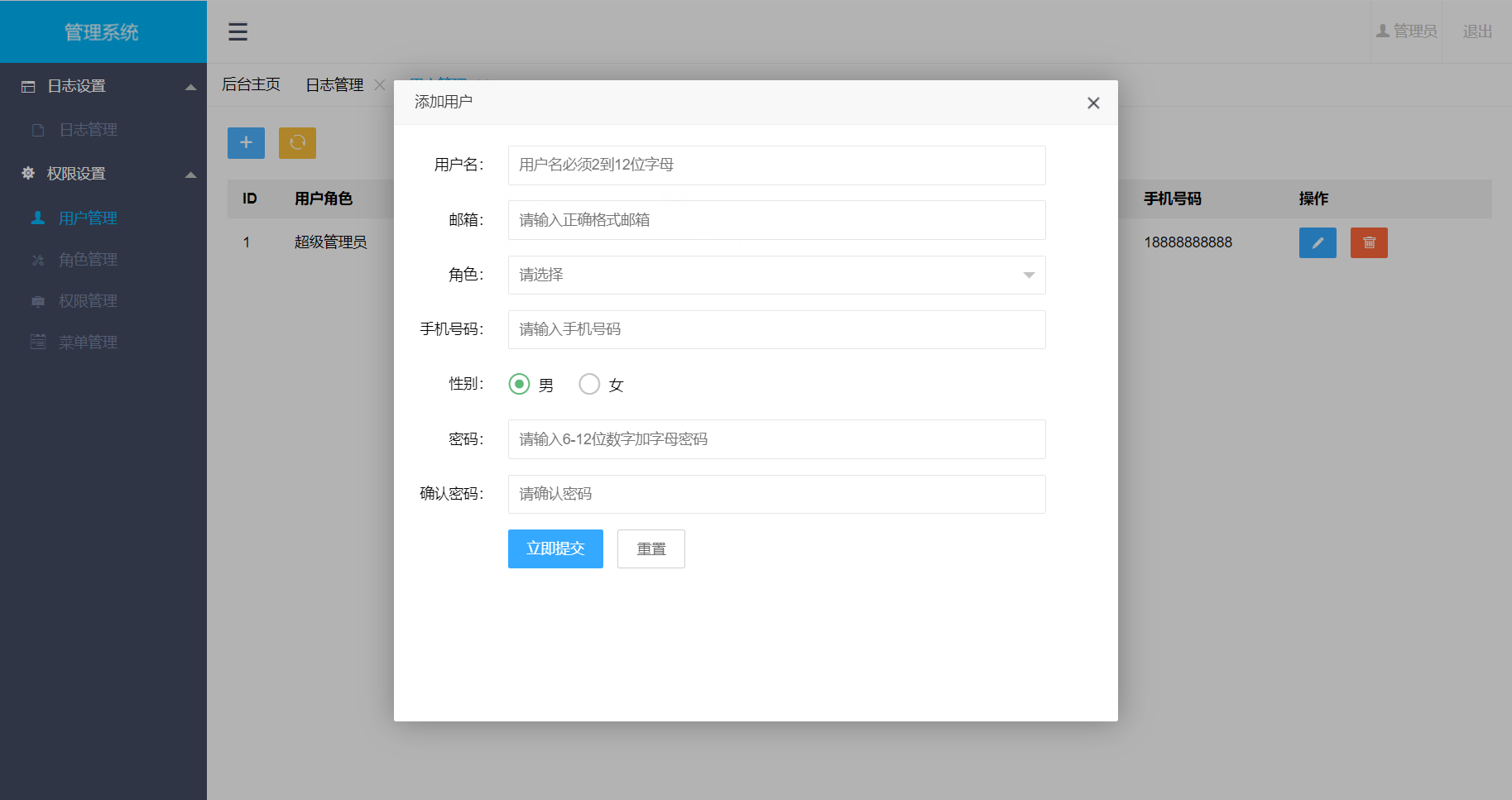

角色管理


权限管理
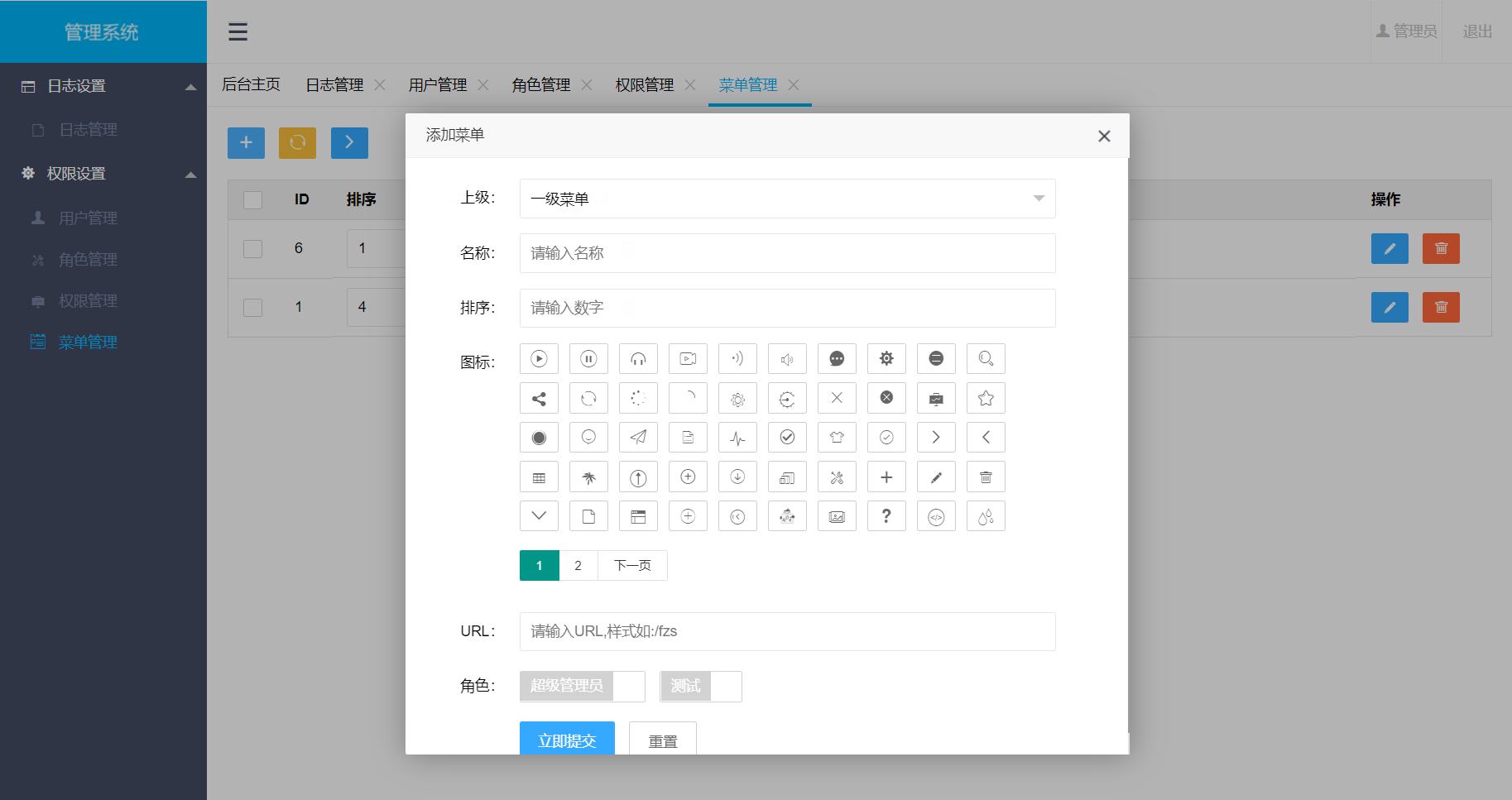

菜单管理
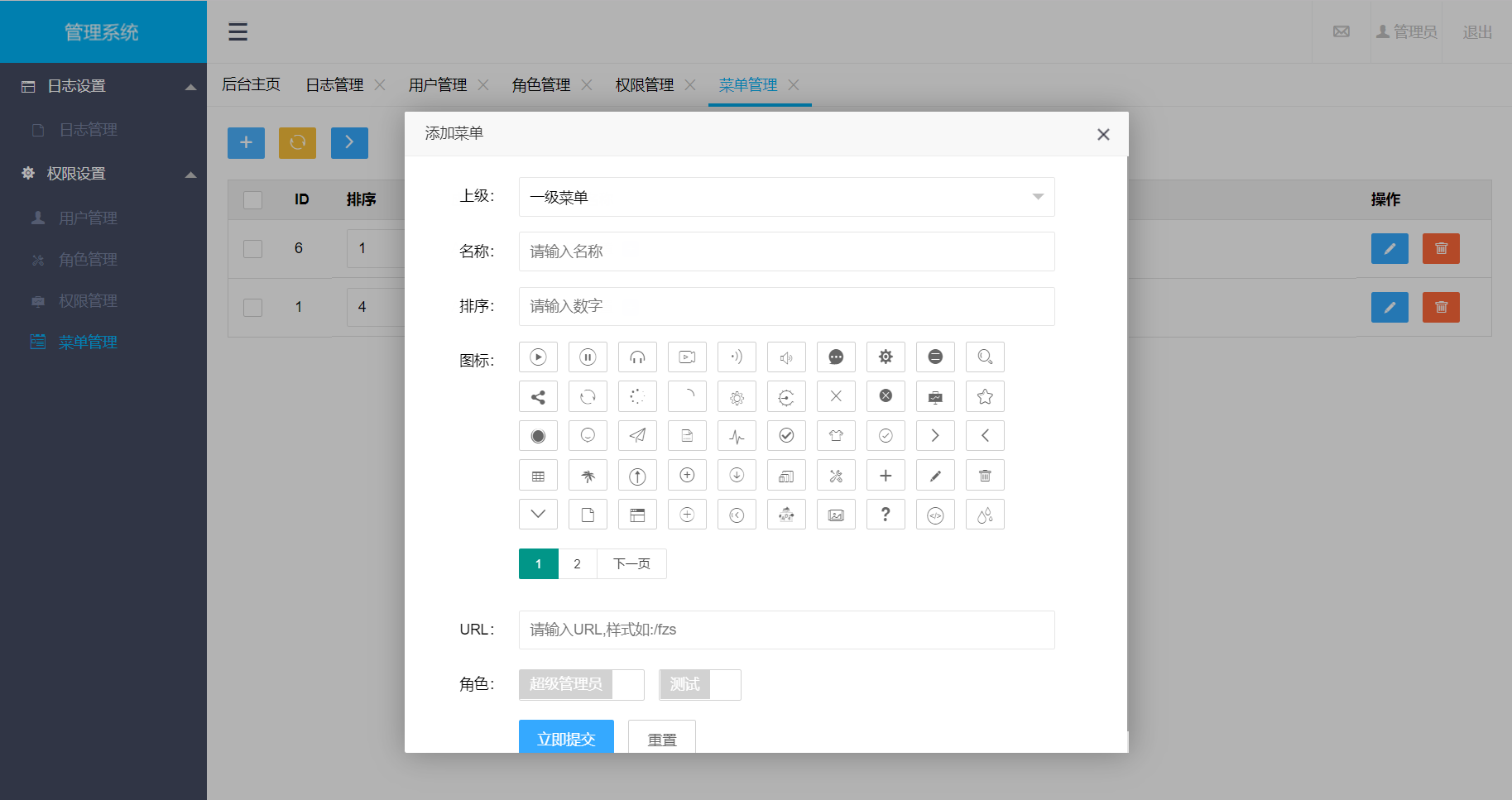

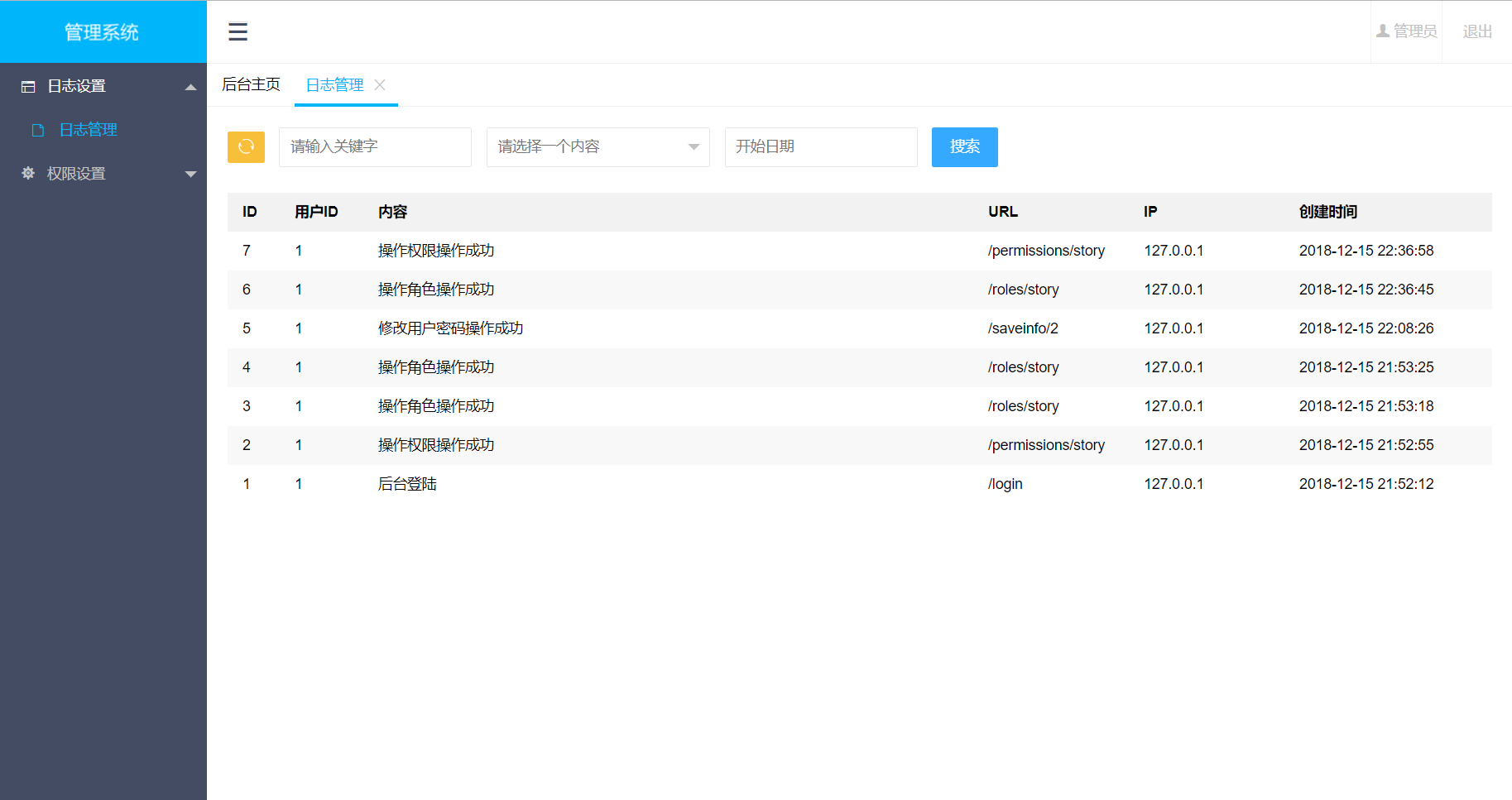
日志管理

安装步骤
1.获取代码
新建一个文件夹,进入该文件夹,利用git等工具输入以下命令:
git init
git clone https://github.com/jachohx/urpm.git
2.安装依赖
composer install
3.生成APP_KEY
cp .env.example .env
php artisan key:generate
4.修改 .env 配置
DB_CONNECTION=mysql
DB_HOST=your_host
DB_PORT=your_port
DB_DATABASE=your_db
DB_USERNAME=your_username
DB_PASSWORD=your_pwd
CACHE_DRIVER=array  //将file改为array
5.数据库迁移
php artisan migrate
composer dump-autoload
php artisan db:seed
如果在执行php artisan migrate增加表操作出现字段长度过长,则可能是因为mysql版本低于5.5.3,解决方法:
- a.升级mysql
- b.手动配置迁移命令migrate生成的默认字符串长度,在app\Providers\AppServiceProvider中调用一下方法来实现配置
记得先将新建数据库里面的表清空!!!
use Illuminate\Support\Facades\Schema;
public function boot()
{
   Schema::defaultStringLength(191);
}
6.访问首页
访问自己的配置好的域名
用户名:admin
密码:f123456
环境配置(仅供参考)
1.windows
<VirtualHost *:80> DocumentRoot E:\test\public ServerName www.test.com <Directory "E:\test\public"> AllowOverride All order deny,allow Require all granted
2.linux(apache)
<VirtualHost *:80> DocumentRoot /data/wwwroot/default/f-admin/public ServerName www.fang99.cc <Directory "/data/wwwroot/default/f-admin/public"> AllowOverride All order deny,allow Require all granted
3.linux(nginx)
server { listen 8088; server_name demo.fang99.cc; location / { index index.php index.html; root /var/www/f-admin/public/; try_files $uri $uri/ /index.php?$query_string; } location ~ .php$ { root /var/www/f-admin/public/; fastcgi_pass 127.0.0.1:9000; fastcgi_index index.php; fastcgi_param SCRIPT_FILENAME $document_root$fastcgi_script_name; fastcgi_intercept_errors on; include /etc/nginx/fastcgi.conf; } location ~* .(css|js|jpg|woff|woff2|png)$ { root /var/www/urpm/resources/assets/; break; } }
感谢
如果你觉得这个开源项目对你有用,你懂的!谢谢:)